- DATE:
- AUTHOR:
- The folks at Scrut
Gain complete traceability into vendor actions with audit logs in the Vendor Portal
What's new?
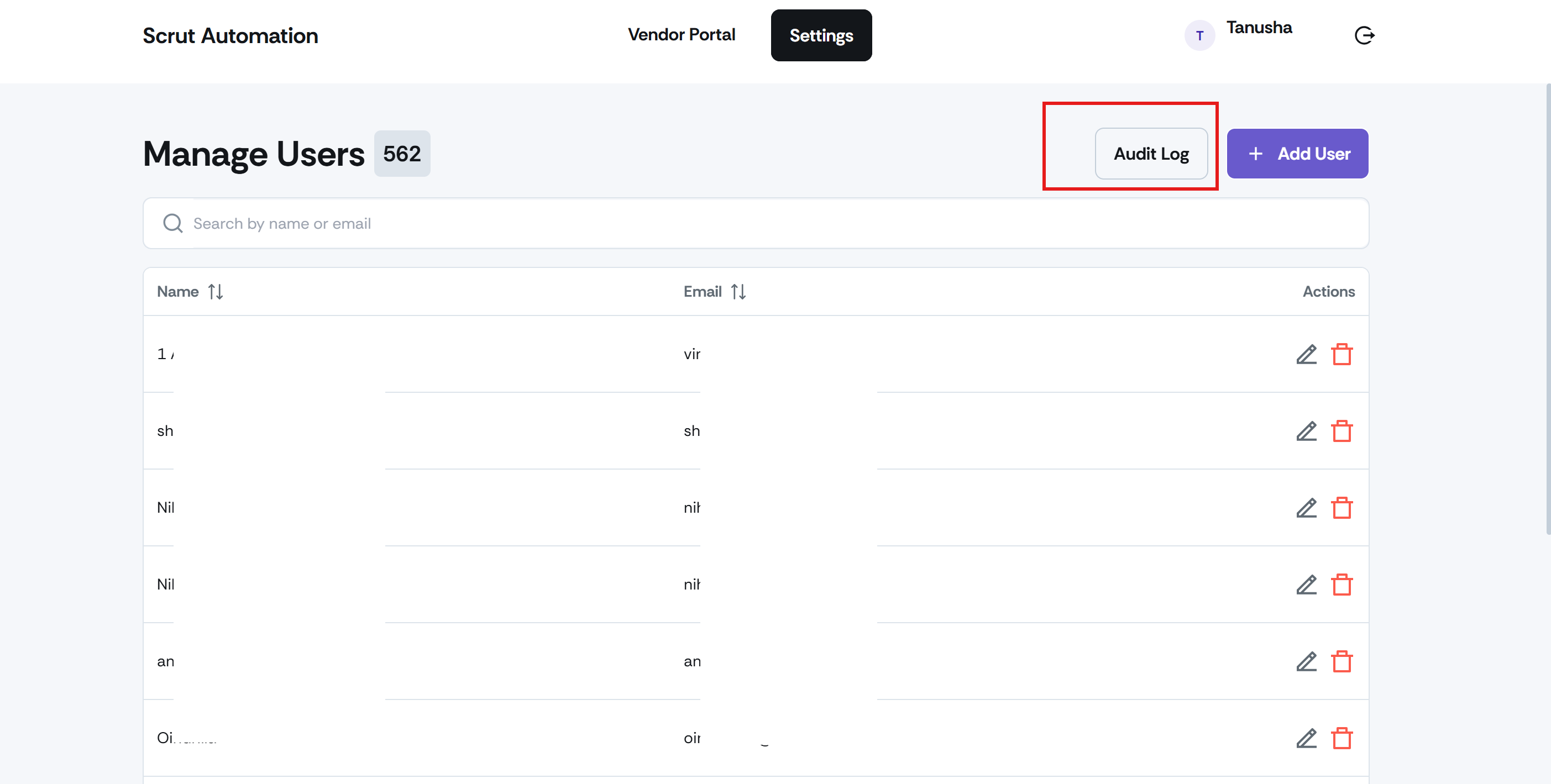
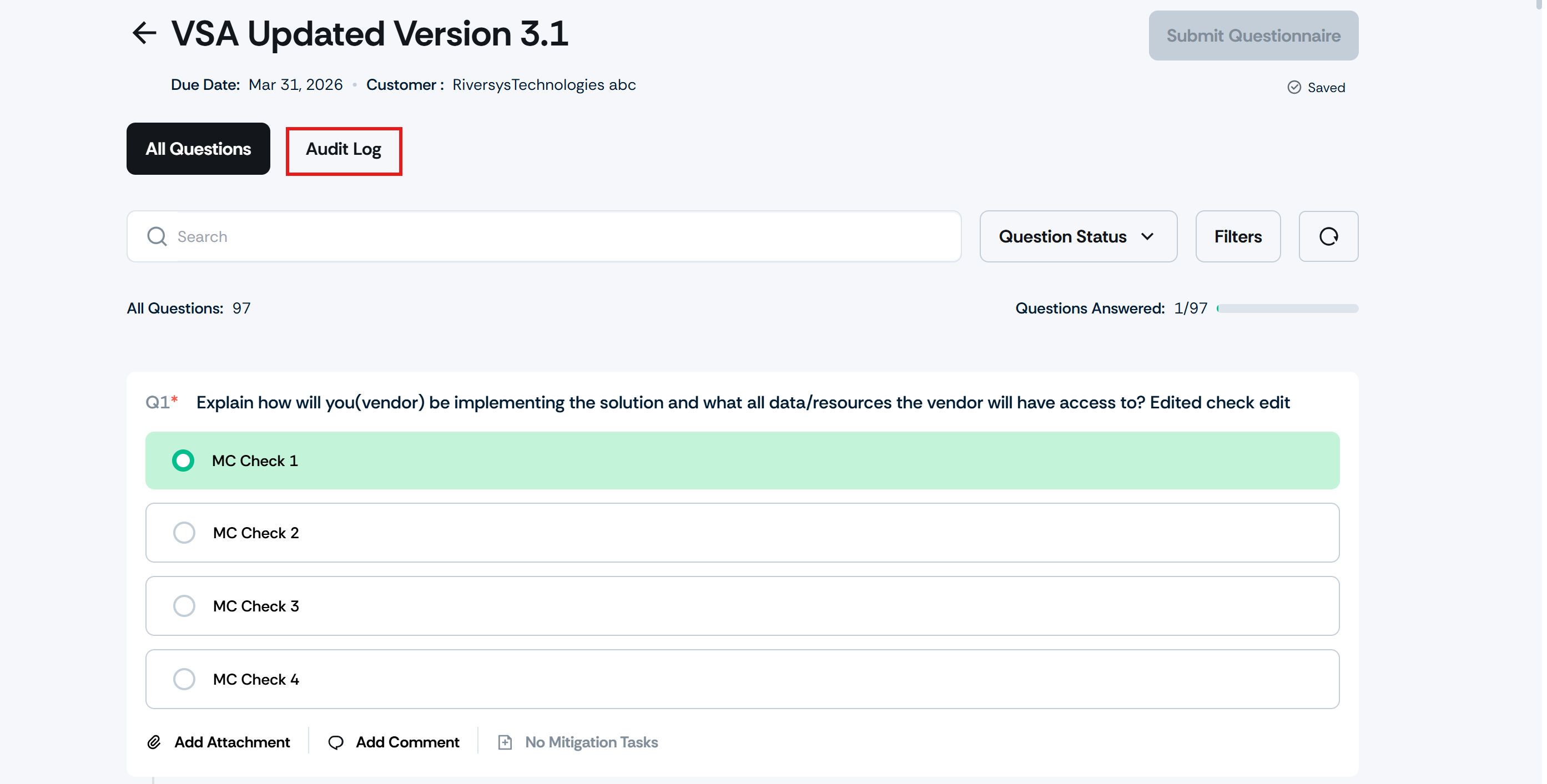
Two new Audit Log tabs have been added to the Vendor Portal.
In Settings: to track user management actions
In Questionnaires: to track assessment-related activity
Each log entry captures the action, who performed it, and when it happened.
Why was this needed?
Previously, there was no way to confirm whether vendors were progressing through assessments as expected. These audit logs provide a clear, timestamped record of activity within the Vendor Portal, making it easier to maintain accountability, support audit evidence collection, and follow up with vendors as needed.
How it works
Open the Vendor Portal (vendor.scrut.io) and navigate to Settings -> Audit Log. Review the log to see a record of actions, including adding a new user, removing a user, and editing existing user details.
Open any questionnaire in the Vendor Portal and to navigate to its Audit Log. Review vendor actions, including: questionnaire received, questionnaire submitted, attachments added to a question, and attachments deleted from a question.
Need help?
Your Customer Success Manager (CSM) is always ready to help if you need assistance. Explore all recent product updates → View now.