- DATE:
- AUTHOR:
- The folks at Scrut
Trust Vault UI updated for streamlined navigation & a more intuitive experience
What's changed?
We've refreshed the Trust Vault UI and UX to make content easier to read and navigation more consistent across Admin and Portal views. The update standardizes how descriptions, documents, images, and sub-processor details appear, and fixes issues like unclear layouts, overflowing text, and inconsistent icons.
Why it matters
The new, intuitive Trust Vault interface helps you manage and share compliance artifacts more efficiently. The improved consistency reduces confusion, while better data presentation helps portal visitors quickly find what they need.
How it works
Better readability: Scroll bars have been removed from description text fields. You can now click the "View More" button to expand long content.
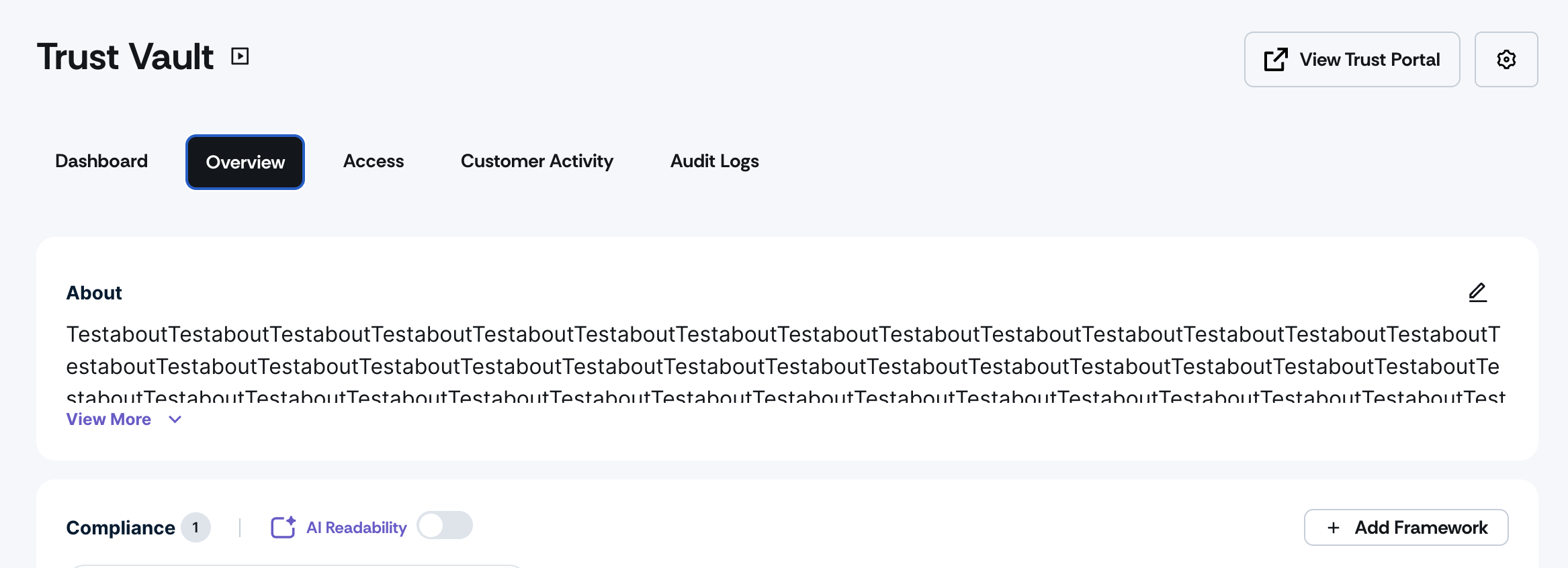
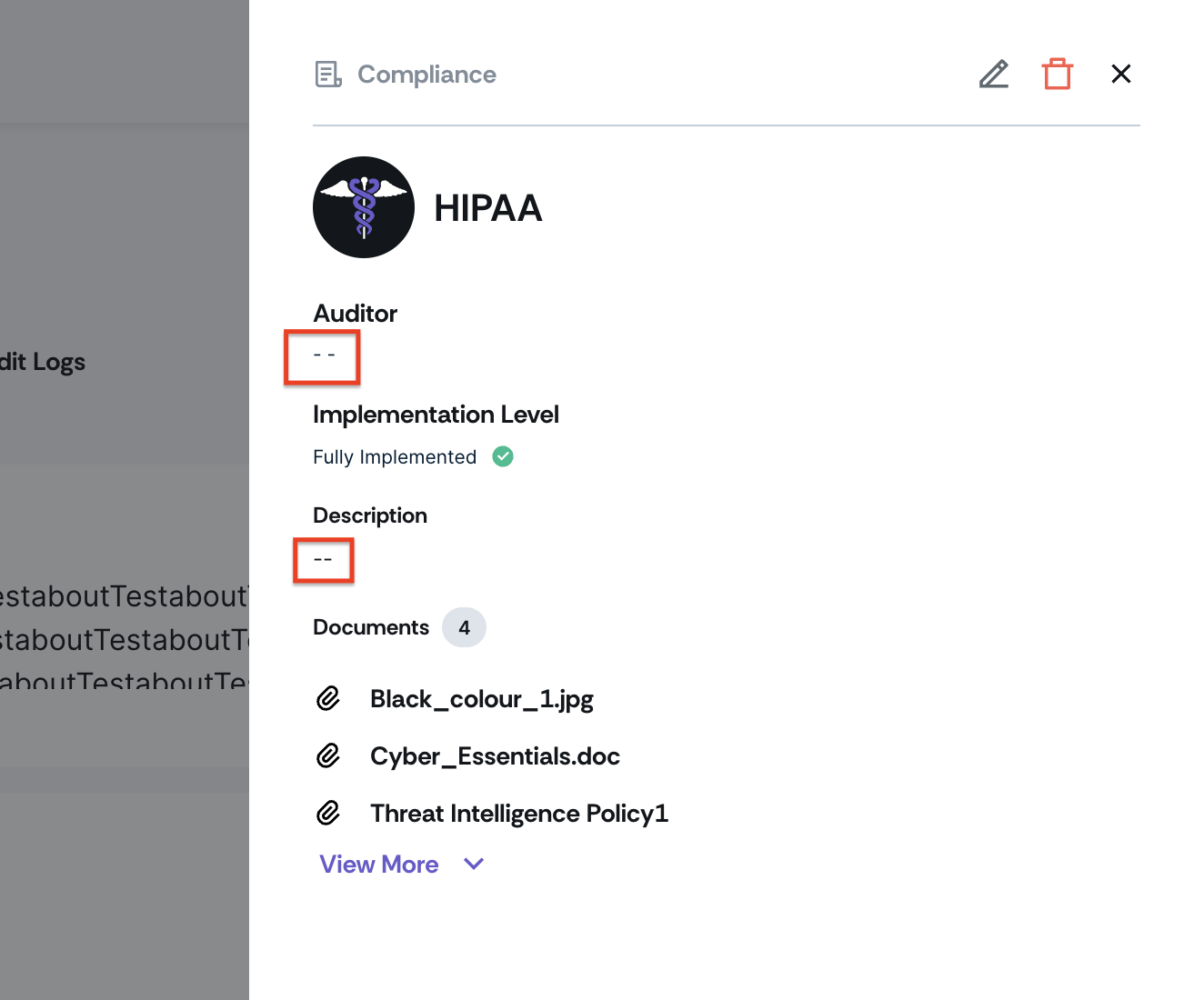
Smarter data display: Missing fields appear as "--" in the Admin view and are hidden in the Portal view for cleaner presentation.
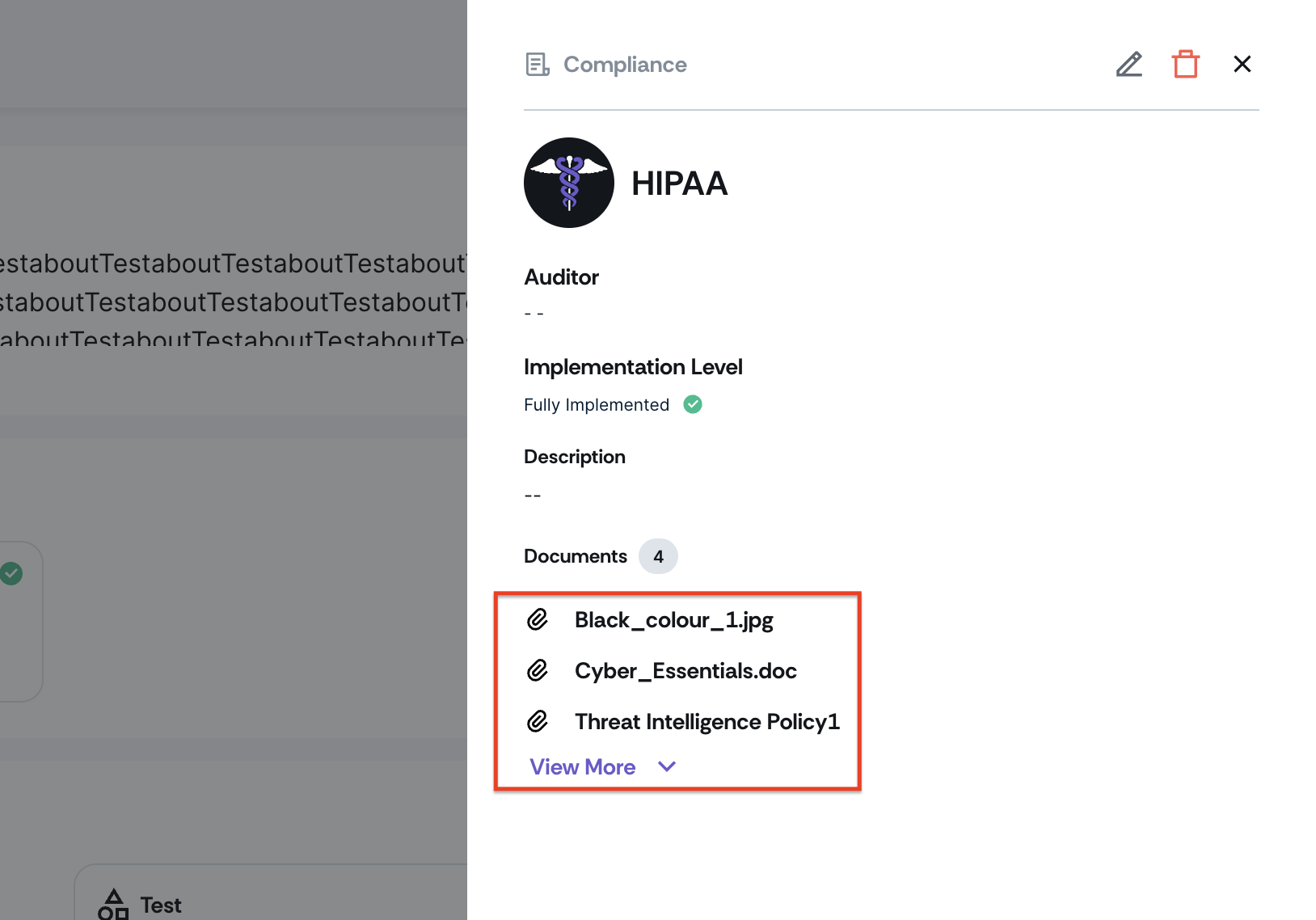
Streamlined documents: The Controls section displays three documents by default, with "View More" for additional files.
Simplified preview: Click any document name to open the preview directly. The previously used Eye icon for previews has been removed.
Updated visuals: Image components now follow the latest design system across all views.
Flexible layout: Long sub-processor names adjust automatically without breaking card layouts.
Need help?
Your Customer Success Manager (CSM) is always ready to help if you need assistance. Explore all recent product updates → View now.