- DATE:
- AUTHOR:
- The folks at Scrut
Confirm completion before closing an audit
What's new?
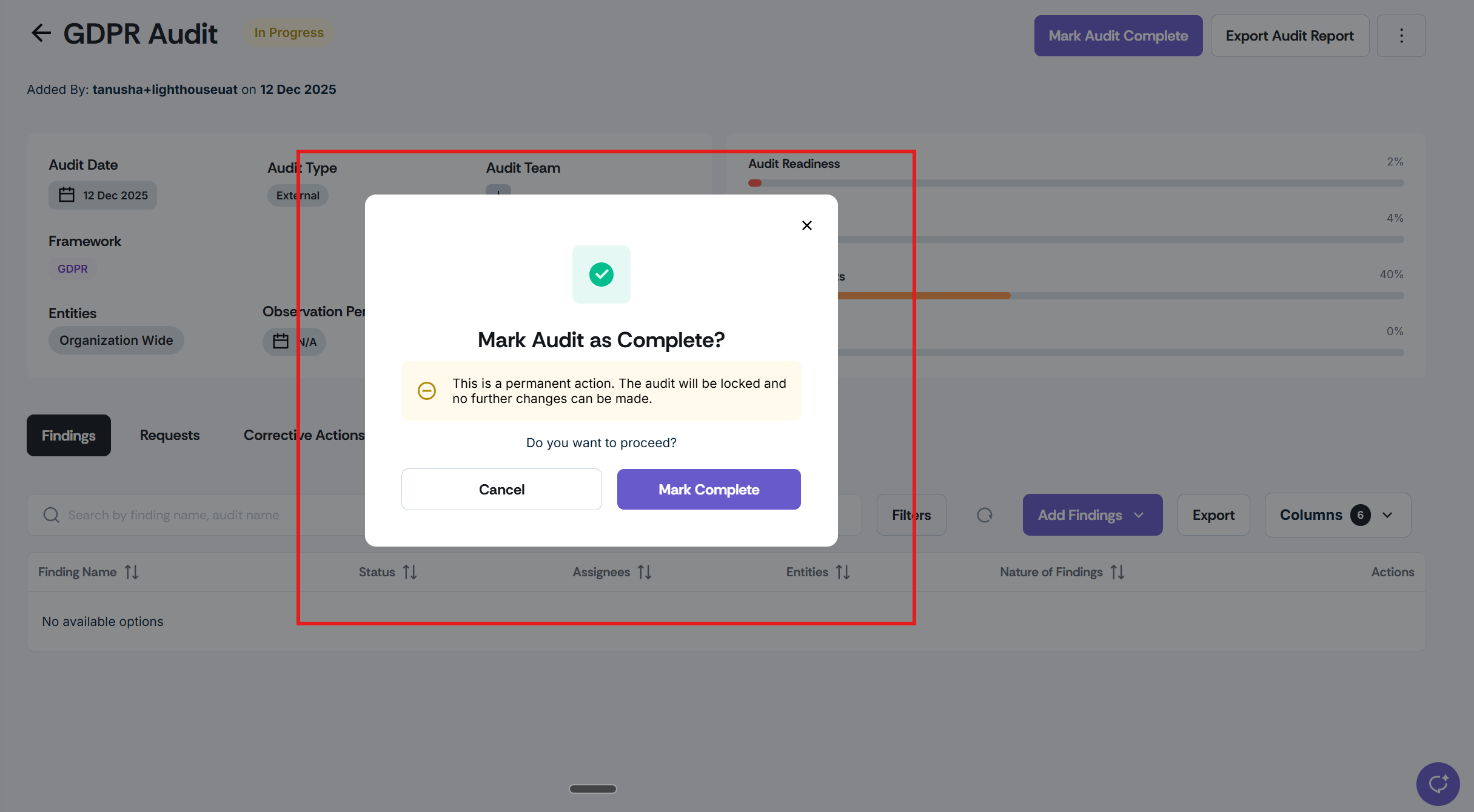
Scrut now displays a confirmation modal when you click "Mark Audit as Complete." Before the audit is closed, you will be prompted to confirm the action or cancel and keep it open.
Why was this needed?
Marking an audit as complete is a critical, difficult-to-reverse action. The confirmation step ensures audits are only closed when you explicitly intend to do so, reducing the risk of premature closure and giving your team an extra moment to verify readiness before locking the record.
How it works
Click Mark Audit Complete on any open audit.
Review the confirmation modal that appears.
Click Mark Complete to close the audit, or Cancel to return to the audit and keep it open.
Need help?
Your Customer Success Manager (CSM) is always ready to help if you need assistance. Explore all recent product updates → View now.