- DATE:
- AUTHOR:
- The folks at Scrut
Hide empty Trust Portal sections to give visitors a cleaner view
What's new?
The Trust Portal now hides sections that contain no published data. If no content has been published across any section, the portal displays a clear, informative message instead of a blank page.
Why was this needed?
Empty sections with generic placeholder texts created a confusing first impression for anyone visiting your Trust Portal. The portal now displays only what you have published, so every visitor sees a complete, credible view of your trust posture and nothing that isn't ready to be shared.
How it works
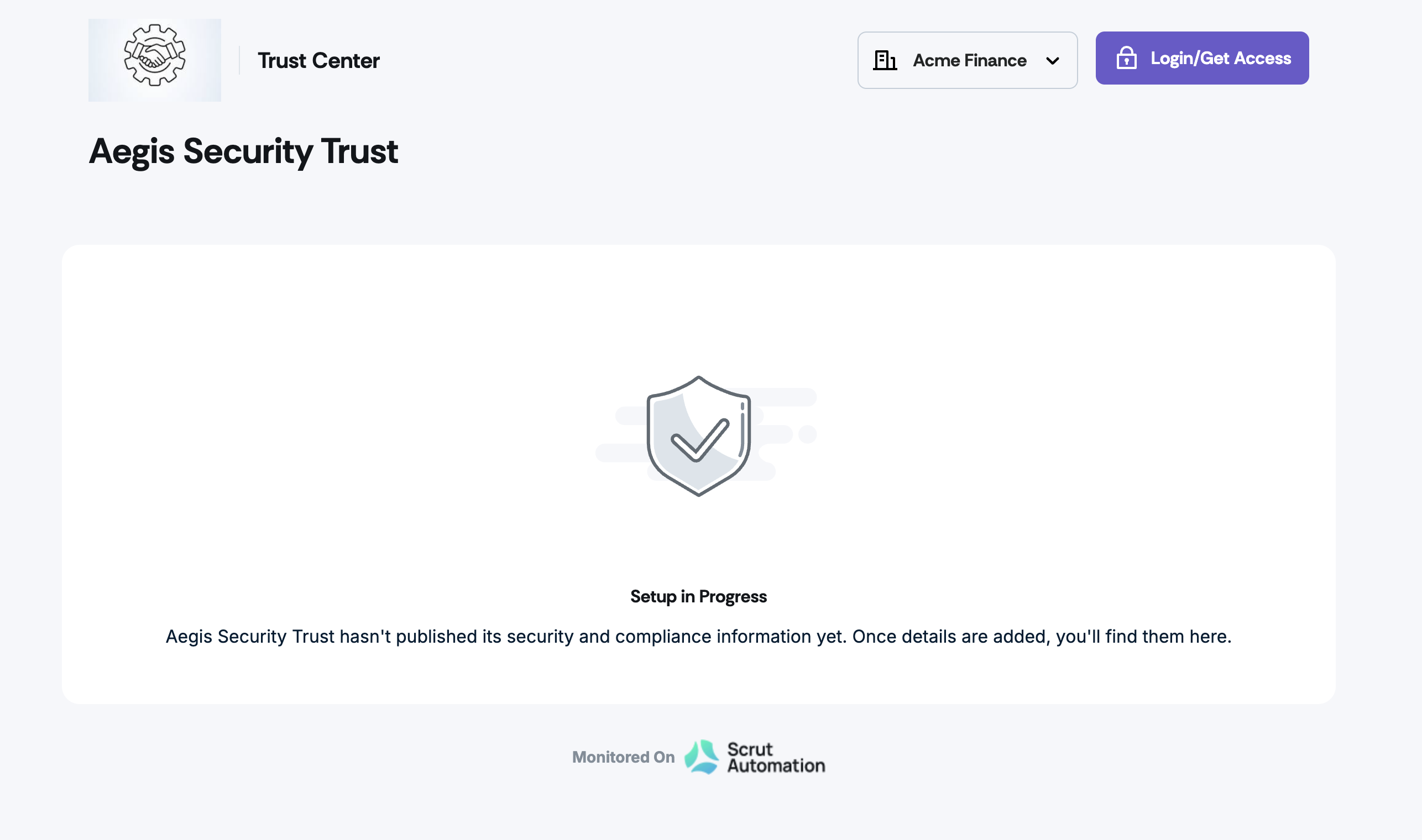
Share your Trust Portal URL with customers, prospects, and other stakeholders at any time during the creation process. Only sections with published data will be visible to visitors.
Sections with no published content, such as Compliance, Controls, Subprocessors, FAQs, or Updates, are automatically hidden until data is added and published.
If no data has been published in any section, visitors will see a clear message instead of a blank page.
Publish data to any section in the Trust Vault module for it to appear on the portal.
Need help?
Your Customer Success Manager (CSM) is always ready to help if you need assistance. Explore all recent product updates → View now.