- DATE:
- AUTHOR:
- The folks at Scrut
New Feature
Manage files effortlessly in the Vault module with bulk download and deletion
DATE:
AUTHOR:
The folks at Scrut
What's new?
The Vault module now supports bulk download and delete actions for files and folders.
Why it matters
Managing large numbers of files is now significantly faster and safer. Download entire folders for offline access or clean up outdated files in bulk.
How it works
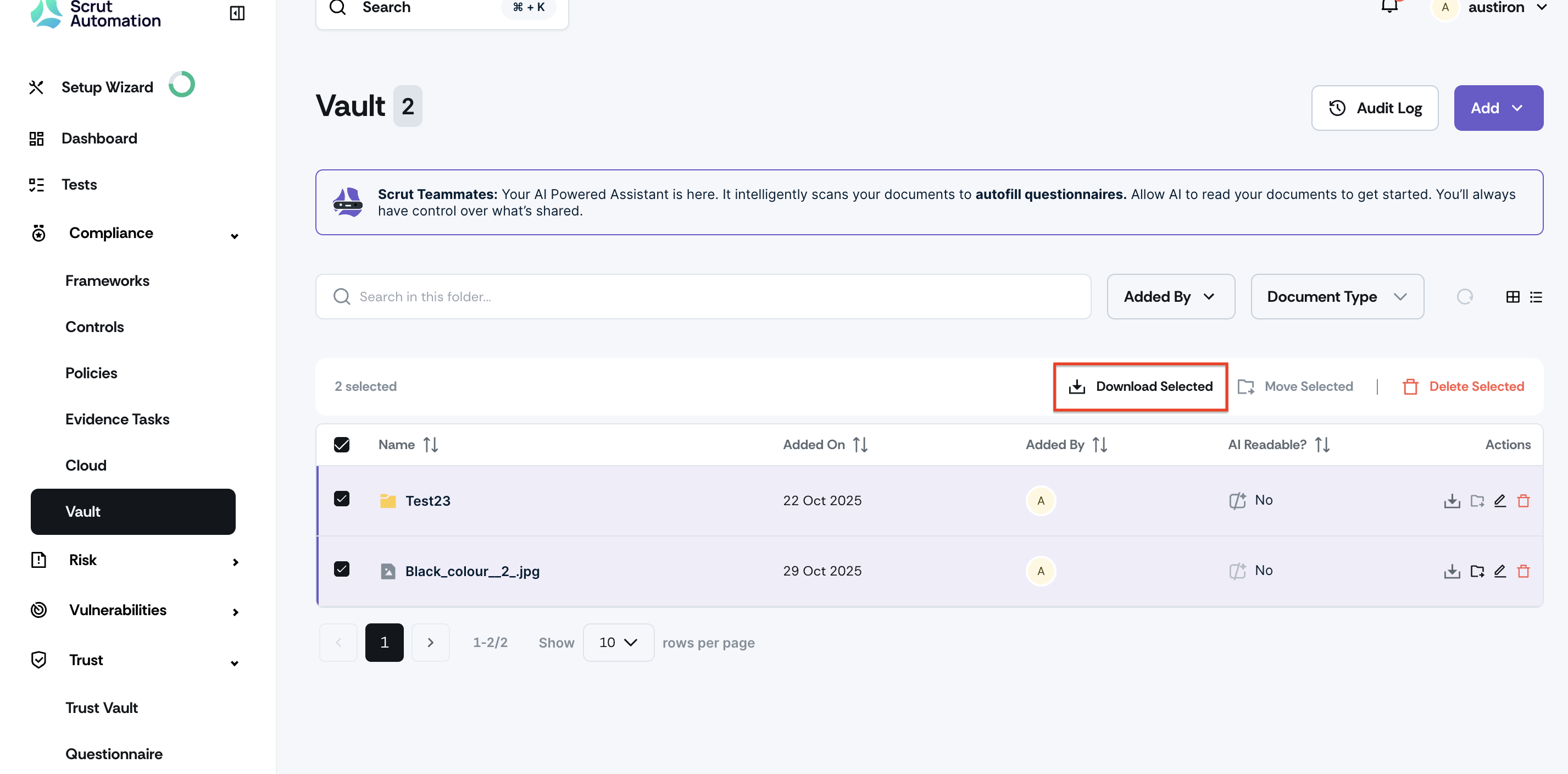
Bulk download: Select multiple files/folders from Vault, click Download. Scrut will send the selected files and folders as
.zipfile link to your email.
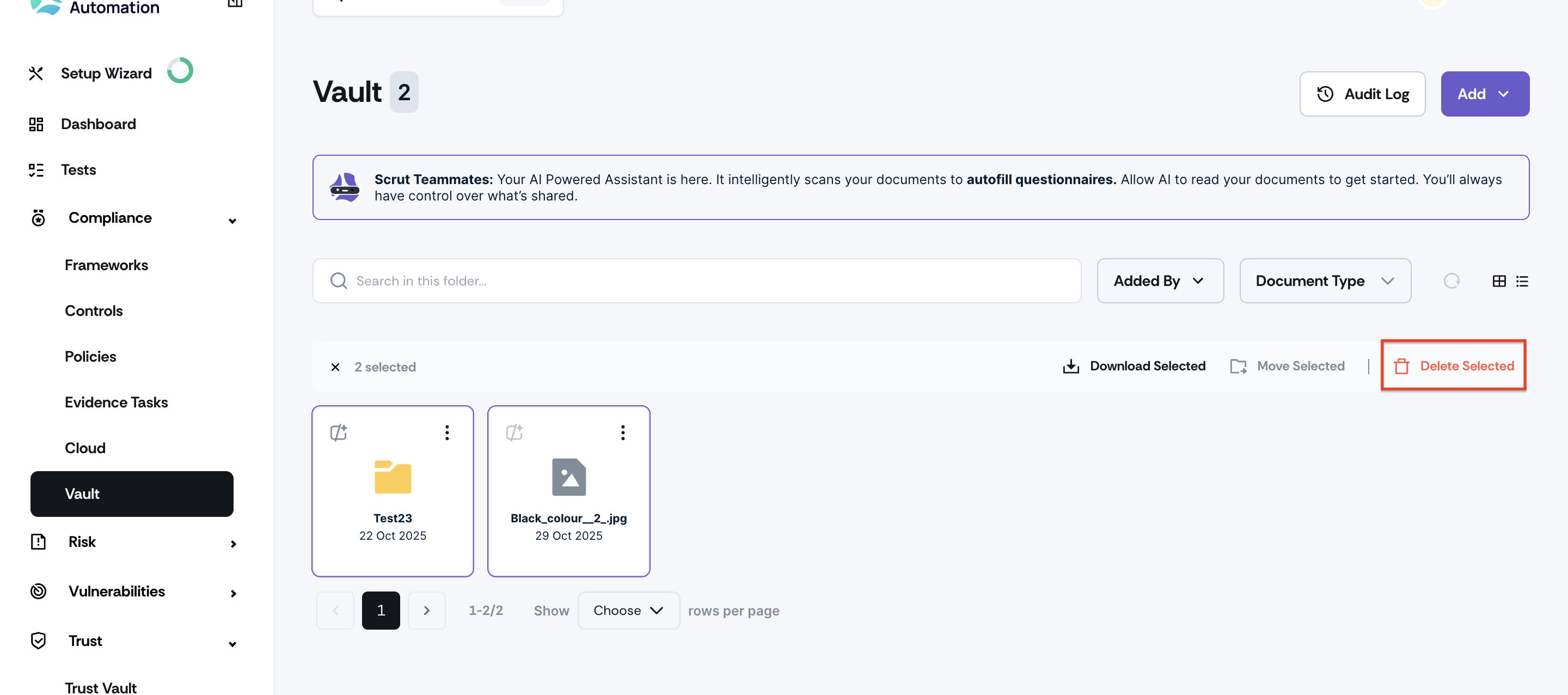
Bulk delete: Select the items you want to delete, click Delete, and confirm your action.
Need help?
Your Customer Success Manager (CSM) is always ready to help if you need assistance. Explore all recent product updates → View now.