- DATE:
- AUTHOR:
- The folks at Scrut
Map controls to policies faster with AI-suggested mappings
What's new?
Scrut Teammates now analyzes your uploaded policy documents and suggests which controls they satisfy.
You can accept, reject, or manually adjust suggested mappings before saving
Works with both standard Scrut controls and custom controls
Suggestions auto-run on upload or can be triggered from the mapping view for existing policies
Why was this needed?
Mapping uploaded policies to the right controls is one of the more time-consuming parts of onboarding your compliance program in Scrut. Without guidance, it is easy to miss relevant controls or over-map to ones that do not apply. AI-suggested mappings remove the guesswork, give you a consistent starting point, and let you move from policy upload to mapped controls in a fraction of the time.
How it works
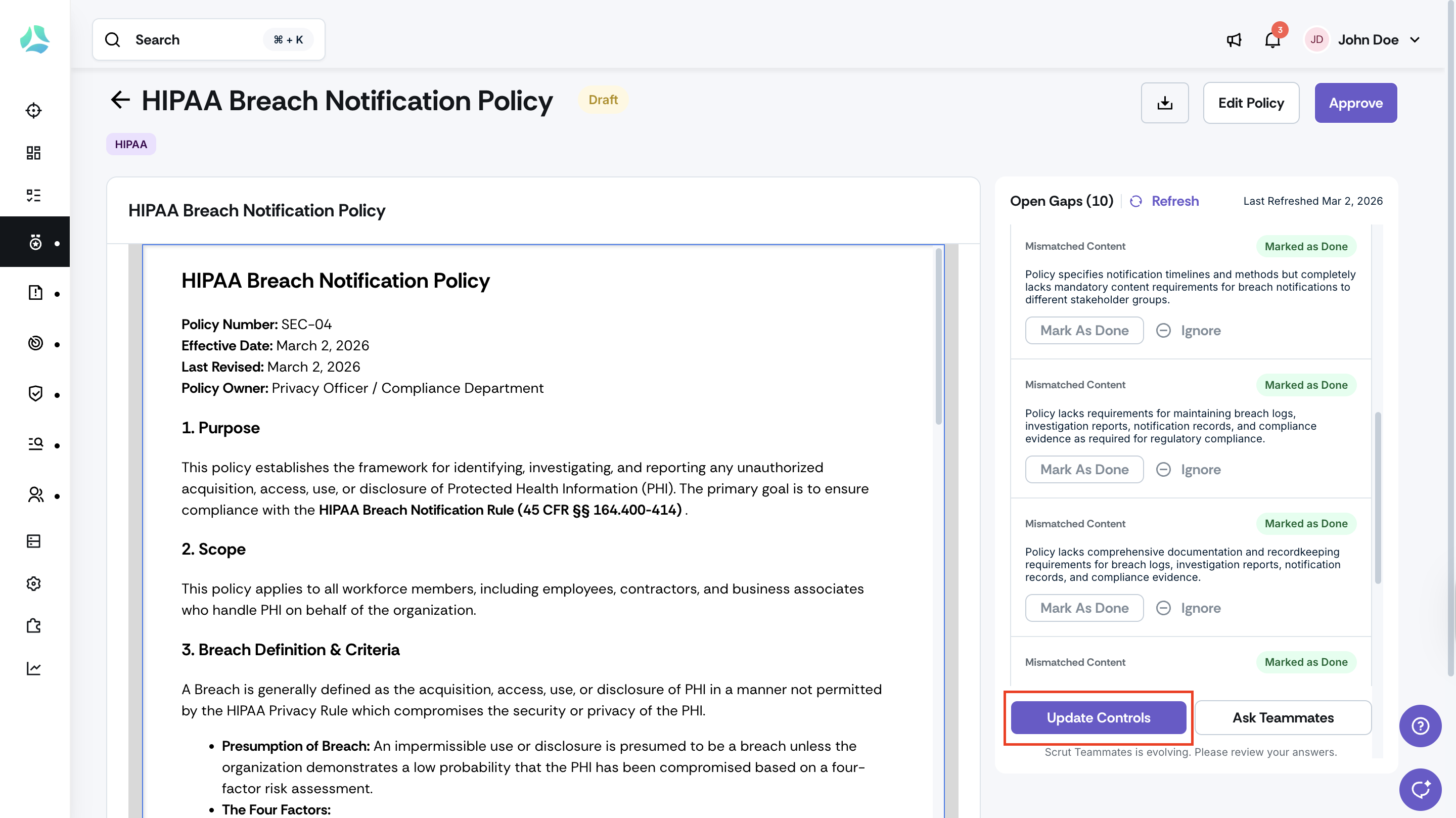
Upload a policy in the Policy module; AI-suggested mappings will appear automatically.
To trigger suggestions for an existing policy, open the policy's mapping view and run the suggestion from there.
Review each suggested mapping. Accept the suggestions you agree with, reject those that do not apply, or adjust mappings manually before saving.
Note: Requires Scrut Teammates (Scrut AI) to be enabled for your Scrut account.
Need help?
Your Customer Success Manager (CSM) is always ready to help if you need assistance. Explore all recent product updates → View now.