- DATE:
- AUTHOR:
- The folks at Scrut
One-click export from the Chrome Extension to your questionnaire webpage
What's new?
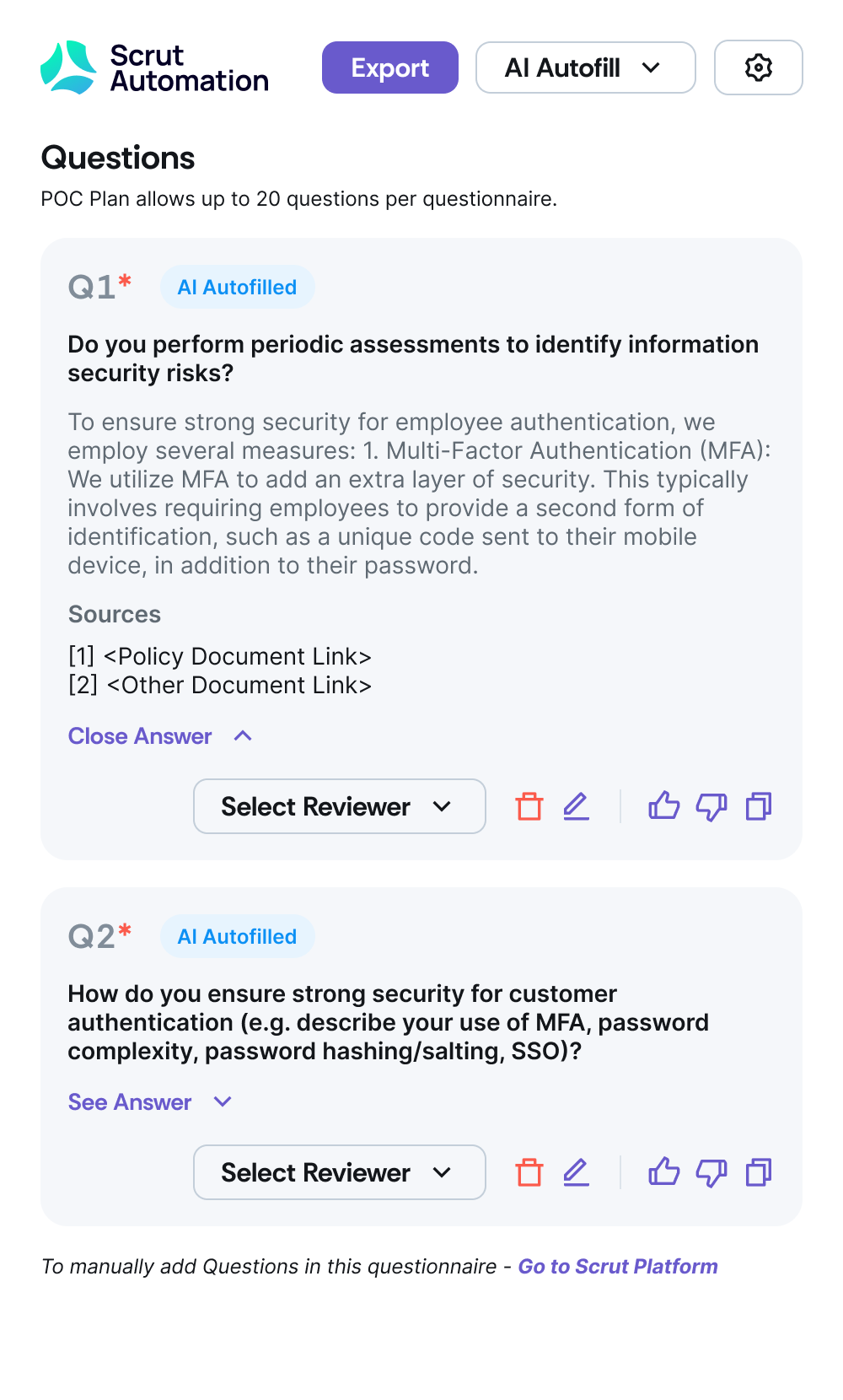
The Scrut Questionnaire Automation Chrome Extension now lets you push generated answers directly into the live questionnaire webpage, so you don’t need to manually copy and paste answers from the extension into form fields.
Why was this needed?
While using the Scrut Questionnaire Automation Chrome Extension, users could generate answers, but exporting them back into live questionnaire webpages required manual copy-paste. This broke the flow, slowed down completion, and increased the risk of errors. Now, answers generated in Scrut can be pushed directly into the questionnaire webpage, making completion faster, smoother, and more reliable.
How it works
Open a questionnaire webpage.
Launch the Scrut Questionnaire Automation Chrome Extension.
Click Export to autofill responses directly to the page.
Track progress with clear loading states.
Edit autofilled answers anytime—autofilled vs edited content is clearly tagged.
See helpful messages when export isn’t possible.
Note: Available as part of the Questionnaire Automation add-on pricing package.
Need help?
Your Customer Success Manager (CSM) is always ready to help if you need assistance. Explore all recent product updates → View now.